How To Use Ghost Filter On TikTok?
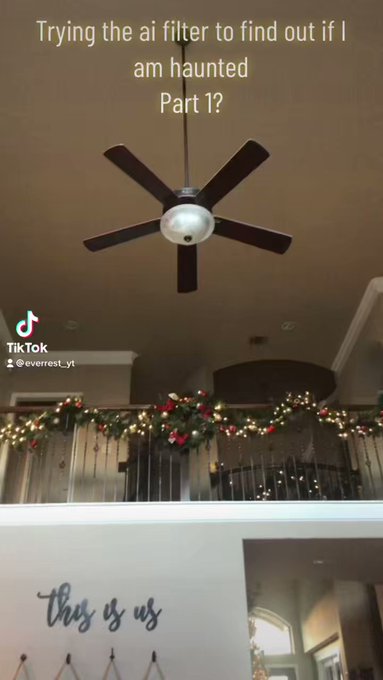
Ghost Filter on TikTok has been gaining the attention of all people. Many people are curious on knowing how to use a ghost filter.
While some are using the filter to scare their children, and the reaction is funny in the videos, some videos have unexpected reactions.
@glambycandy El fantasma le hace los mandados a la Angelique 🤣 #theaguilars #ghostfilter #babiestiktok ♬ suara kuntilanak - solehudin1294
Some children were scared by the filter, while some were brave and did not cry even when the ghost appeared in the video.
@anne_jie_linn #ghost #hauntedtiktok #hauntedtiktokfilter #fyp #fypシ #fypage ♬ suara kuntilanak - solehudin1294
It is easy to use a ghost filter that is present on Tiktok. You can use the ghost filter on TikTok by following the given steps:
- You need to download the Tiktok app
- Open the app and search for the plus sign that appears when you open your TikTok account.
- You would see the 'effect' option at the bottom of the screen and click the “effects” option.
- After clicking the options, choose the search option at the top of the list.
- To find the filter, type “Haunted” in the search bar.
- Choose the first filter that appears.
Once you get the filter, you can easily make videos according to your likes. After you have made the video, you can upload it to your Tiktok account.
@theshanaofficial This filter is so scary! Do you think it’s real??👻😱🤯 Follow 4 more🌸 IG: theshanaofficial #ghost #paranormalactivity #paranormal #filter #foryou ♬ Hide and Seek - Sare Remix - Lizz Robinett